Extracting Credentials from PCAP Files
PCAP files can store a wealth of valuable information about authentication protocols. This includes not only plain text protocols like HTTP (which are still relevant for LANs) but also hashes in multi-step protocols such as SMB.
In a large volume of traffic, extracting this information with standard PCAP viewers can be very labor-intensive. When it comes to handshakes, this process is further complicated by the need for detailed knowledge of the corresponding protocols. Our service simplifies this process to the maximum extent.
Additionally, note that with our REST API, you can automate this process for various security monitoring scenarios.
Currently, credential extraction is supported for the following protocols:
- IMAP (plain, Cram-MD5)
- SMTP (plain, Cram-MD5)
- HTTP (plain, basic, digest, NTLM)
- Telnet
- FTP
- SMB
- Postgres (plain, Cram-MD5)
- LDAP (simple, SASL)
- Kerberos
- MSSQL
- SNMP
- SIP
A-Packets scans traffic for credentials and presents the results clearly, organizing hashes in a format suitable for various password recovery tools. This information is accessible in the Credentials tab, which consolidates all discovered passwords, hashes, and logins.
You can also view an interactive graph displaying which nodes attempt to authenticate on which nodes, along with detailed information on the protocols and logins used.
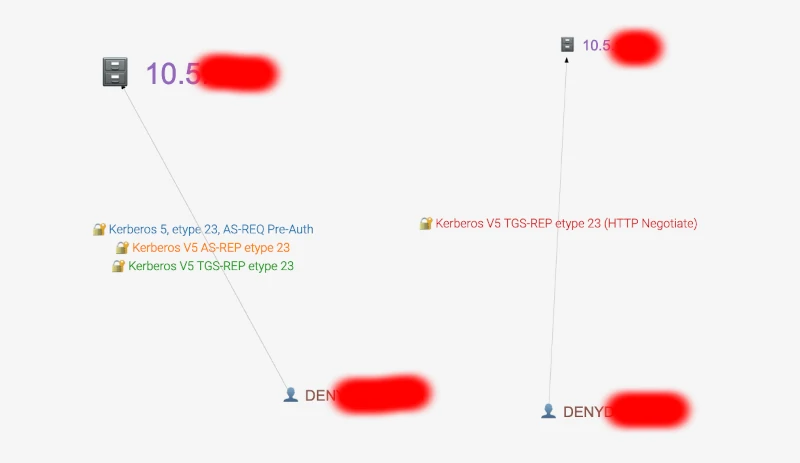
Important Note
The tool analyzes all authentication attempts, regardless of whether they were successful.
How to Extract Passwords
- Upload the PCAP file, as detailed here How to upload a PCAP file.
- Navigate to the Credentials section.
- Click the 'Details' button to scroll to the detailed findings.
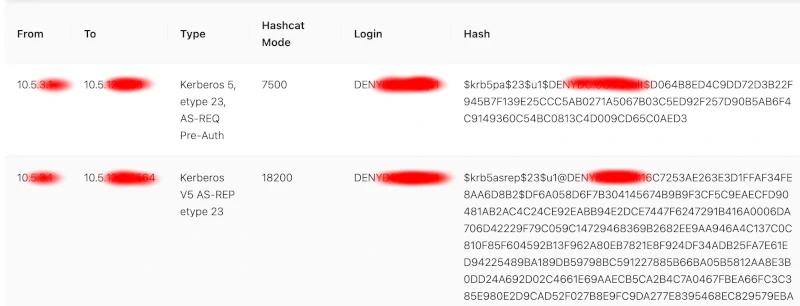
Additionally, information on discovered credentials can be found under the tab corresponding to the analyzed protocol, such as HTTP, SIP, FTP, etc.
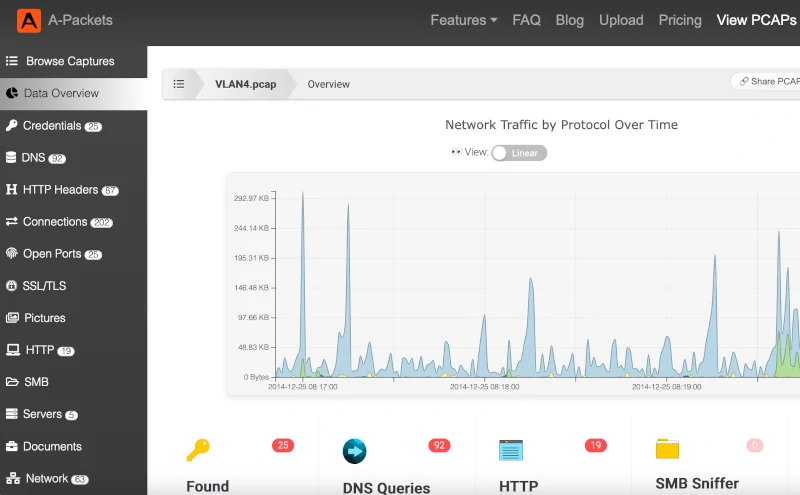
To see the Credentials view on real traffic first, open the sample reports for FTP and Telnet logins, both sent in plain text, and for SMTP and IMAP logins, where AUTH LOGIN and AUTH PLAIN give the password away and CRAM-MD5 does not. To check a whole network for logins that cross it unencrypted, follow the cleartext password audit: where to capture, what counts as exposed, and the retest after the fix.
Security Notice
Please note that the discovered credentials will be visible to everyone if you are using the free tier. For enhanced privacy and security, consider using the subscription tier (available subscriptions for privacy).
If the capture comes from a production network, don't upload it anywhere: use a self-hosted PCAP analyzer.