Capture guides
How to capture network traffic to a PCAP file
A-Packets reads .pcap and .pcapng files. These guides cover the step before the upload: recording traffic on Windows, Linux, macOS, Android or an iPhone into one of those files, cutting it down to the part that answers your question, and removing what should not leave your hands. Each command was run or checked against its tool's documentation, and each guide says what its kind of capture can and cannot show.
Pick the guide for where you stand
-
Windows
Recording on Windows without Wireshark?
Convert ETL to PCAP with pktmon
Record with the pktmon tool that ships with Windows, keep whole packets, and turn its ETL log into a PCAPNG file with etl2pcap.
-
Linux and macOS
Recording on a Linux server or a Mac?
tcpdump to a PCAP file
Write tcpdump to a file, rotate parts under an upload limit, and read the permission, interface and truncated-file errors.
-
Android
Need the traffic of an Android phone?
Capture Android traffic
Three ways to record a phone: PCAPdroid without root, its root capture, or a capture upstream on the Wi-Fi network.
-
iPhone
Need the traffic of an iPhone?
Capture iPhone traffic
Record an iPhone from a Mac with rvictl and tcpdump: one virtual interface for Wi-Fi and cellular, with the interface behind each packet.
-
Before you upload
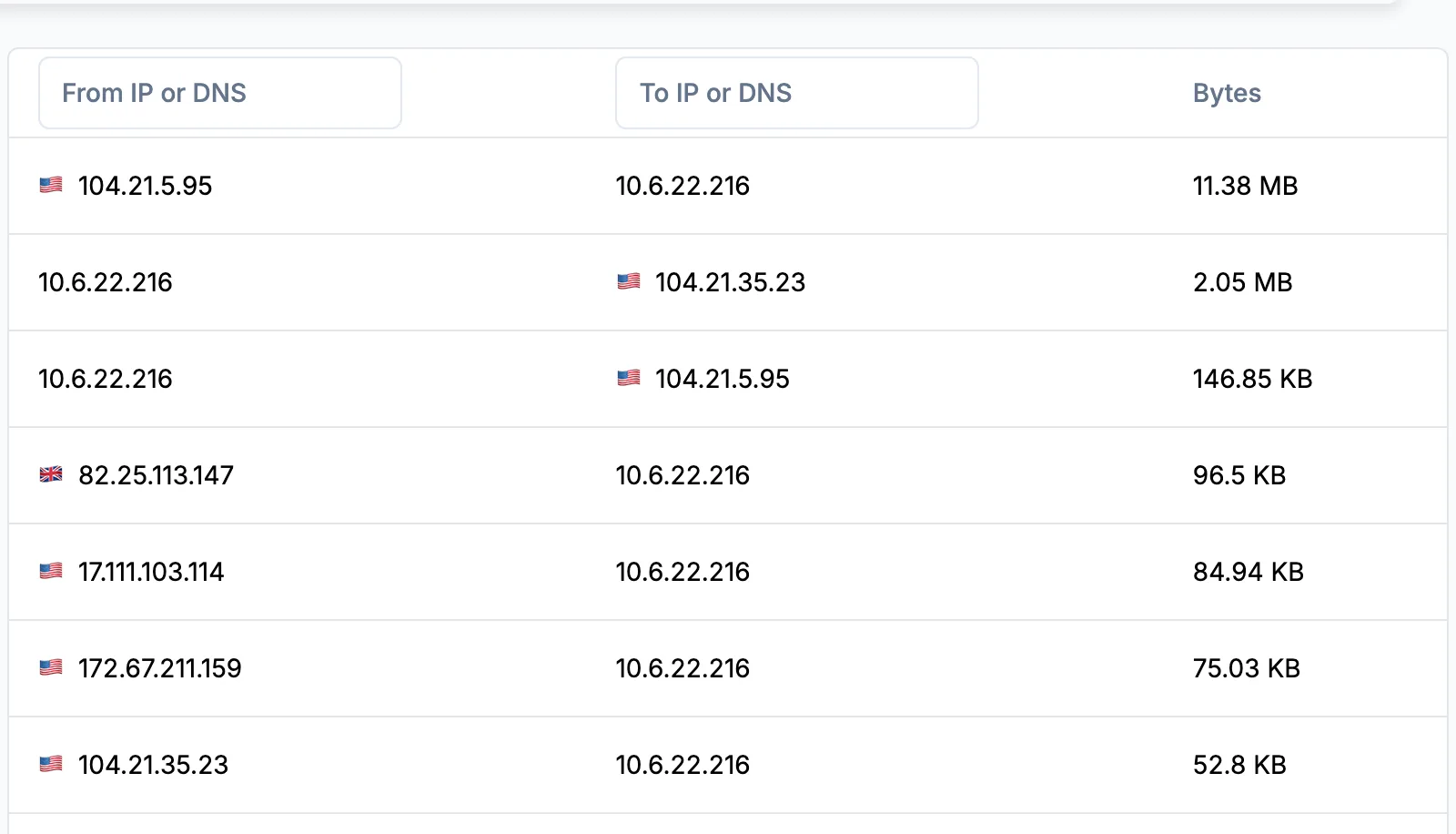
Is the file over the upload limit?
Split a large PCAP
Keep one host, one conversation or a time window with tshark, tcpdump and editcap, before you reach for equal slices.
-
Before you upload
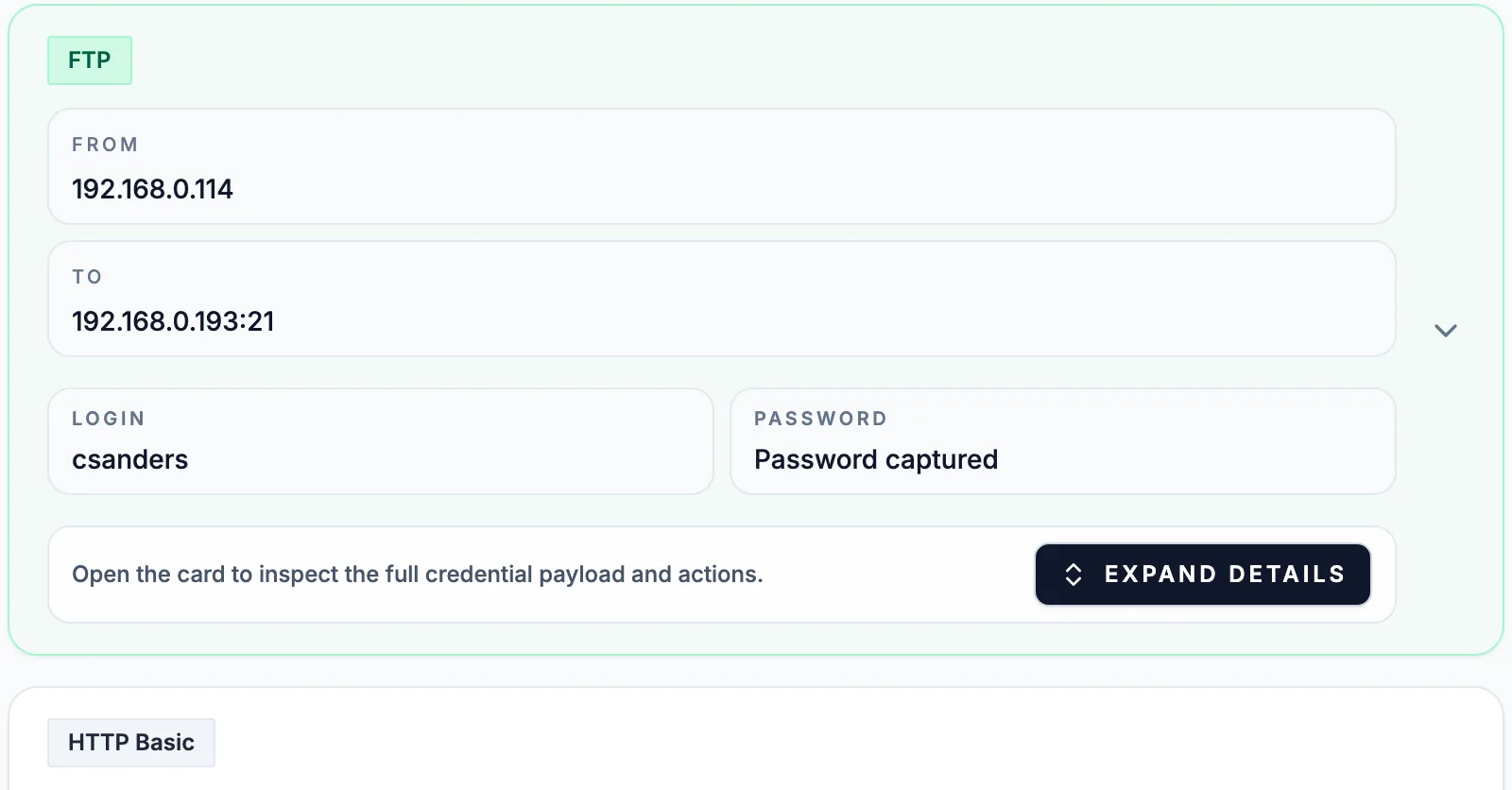
Does the capture hold private data?
Sanitize a PCAP
Find the addresses, names, logins and pcapng notes a capture carries, then cut, strip and rewrite them before it leaves you.
Capture where the question is
A capture holds only the packets that passed the point where it was taken. Record on the host that has the problem when the question is about one machine: a server that resets connections, a laptop that cannot reach a share, a phone app that talks to an unknown domain. Record on a mirror port or a router when the question is about a segment, such as who answers for the gateway or which hosts reach the internet directly. A capture from the wrong side of a firewall or NAT shows a different set of addresses, and traffic between two hosts on one switch never reaches a capture taken at the uplink.
Before an upload, check the size and what the file contains. Public analysis takes captures up to 25 MB, and its report is public, so split a large PCAP to the part you need and sanitize the PCAP before it goes out. For incident or customer traffic, use a private plan or the self-hosted PCAP analyzer. The use cases show what to look for once the report is open.